Click to download now, finish the installation quickly, and directly unlock the all-round experience
Screenshots
Click to download now, finish the installation quickly, and directly unlock the all-round experience
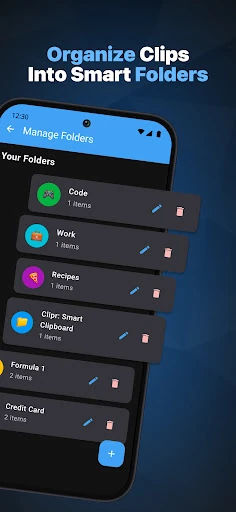
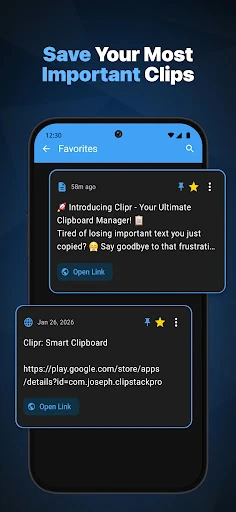
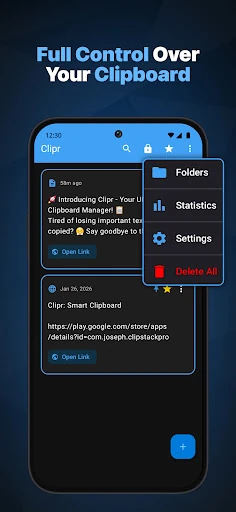
Clipr: Smart Clipboard Manager is a productivity tool for people who copy and paste the same kinds of information throughout the day. It keeps clipboard items available in one place, helping with form filling, repeated messages, research, and other tasks that involve moving text between apps. The app is published by JKingAPPS and has a 5.0 rating from 17 reviews, with 100+ installs.
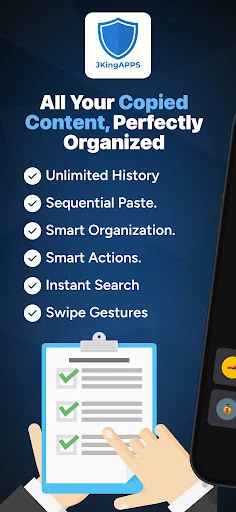
Clipr can identify more than 58 data patterns, including tracking numbers, crypto wallet addresses, and flight codes. That recognition is intended to make copied information more useful by offering relevant actions, such as opening a location in Maps or checking a shipment. Its sequential paste feature is designed for workflows where several copied values need to be entered in a set order.
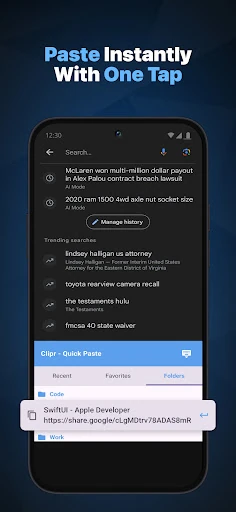
The included custom keyboard provides another way to reach clipboard history. Instead of switching back to Clipr whenever an older item is needed, users can browse and paste saved content from the keyboard interface while working in another app. This suits anyone handling repeated entries across messaging, forms, notes, or other text-heavy tasks.
Privacy is a central part of the app’s design. Clipboard data is stored locally rather than collected through cloud-based syncing, and a biometric vault can protect sensitive entries with fingerprint or face unlock. The interface also supports dark mode, 21 color themes, swipe gestures for common actions, and a short undo window for accidental changes. The trade-off is that clipboard history is not shared across devices, which may matter to users who regularly move between a phone and tablet.